Play Chess Online: ChessManor Review, AI That Plays Like a Human
ChessManor review: free chess online with no sign-up, four difficulty levels, humanlike AI, online games with friends, and lessons.
I've always loved playing both xiangqi (Chinese chess) and chess. Of the two, I think chess has more variety. In xiangqi, the general can't leave the palace and the elephants can't cross the river. Chess has none of those limits: the queen, rooks and bishops can charge all the way to the opponent's back rank. A pawn that reaches the last rank can promote to a queen, and with special rules like castling and en passant, by the middlegame the position is often unrecognizable.
As a kid, I found a beginner's chess book in a bookstore. I set up the games from the book on a board made out of a cardboard box and played both sides myself, and I didn't want to put it away even when it was time for dinner.
As an adult, I play less often. When I do feel like a game and open a chess app on my phone, I usually get stuck on two things. First, I have to sign up and sit through ads. Second, the computer opponent is hard to tune. Turn it down, and it plays like a grandmaster one move and hangs its queen the next. Turn it up, and I get crushed without a chance. All I really want is an opponent around my level who plays like a person.
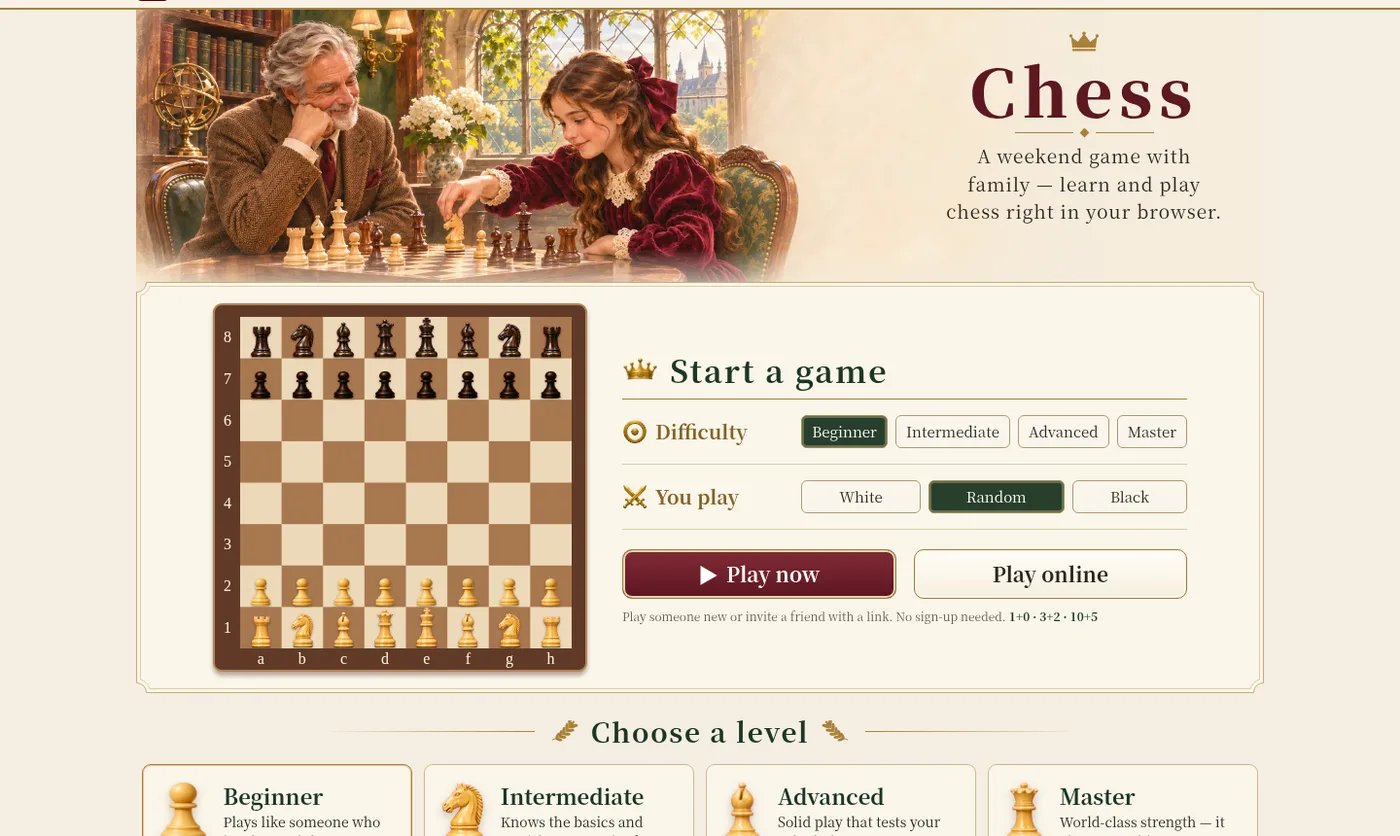
ChessManor is a free website where you can play chess online: open your browser and play against the computer or against friends online, with no sign-up and no app to download.
This is an objective review: what it does well, what it can't do yet, and who it suits compared with Lichess and Chess.com, the two most popular chess sites.
The short answer: is ChessManor any good?
Good for: people who are just learning chess, people who want to play with family or kids, and anyone who wants a casual game against the computer without signing up.
Not for: players who want ratings, post-game engine analysis or tournaments, or who already play online regularly. Lichess and Chess.com cover those needs more fully.
Category | Verdict |
|---|---|
Price | Completely free, no paid content |
Getting started | Very easy: no sign-up, one click on the home page starts a game |
Computer opponent | A strength: Beginner to Advanced play like real people instead of throwing games on purpose |
Online play | Covers the basics: quick pairing, private rooms, a chess clock, spectating; no ratings |
Lessons | Thorough: rules, openings, tactics and endgames, plus puzzles |
Post-game analysis | None: you can replay the moves, but there's no engine analysis or game export |
All information below was checked on 2026-11-26.
Free chess online with no sign-up
Every feature is free, and there's no account system at all:
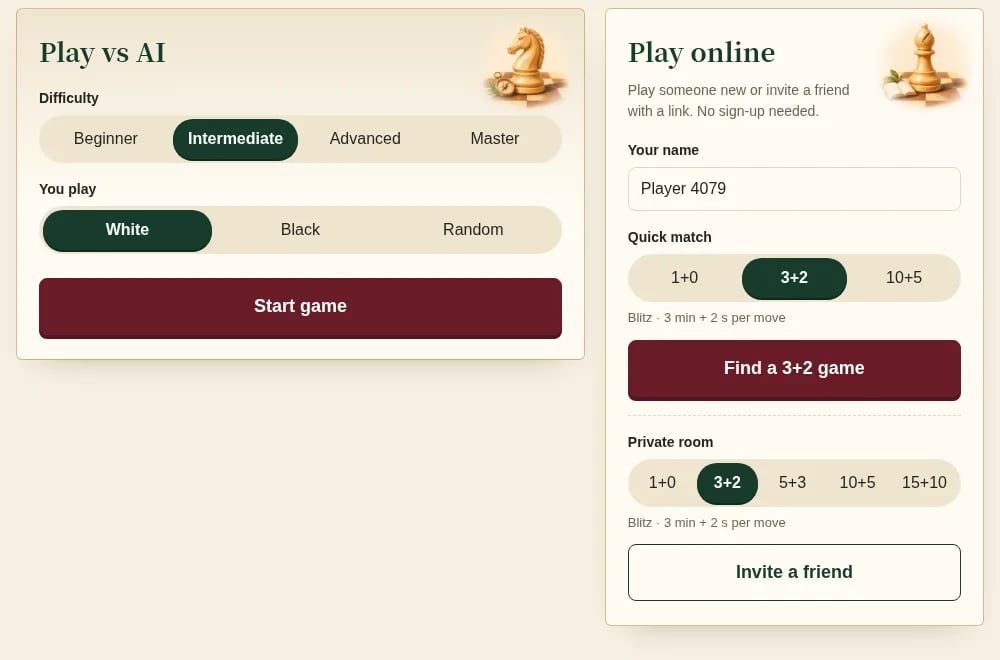
- Play against the computer: four difficulty levels, and you can choose white, black or a random color.
- Online chess games: enter a nickname to get paired with a new opponent, or open a private room and invite a friend with a link.
- How to play chess: rules, openings, tactics, strategy, checkmate patterns, endgames and puzzles.
- 11 languages: Traditional Chinese, Simplified Chinese, English, Japanese, Korean, Russian, German, French, Spanish, Italian and Portuguese.
It works in the browser on phones, tablets and computers, and you can add it to your phone's home screen to open it like an app. The first game against the computer takes a moment to load; after that it's quick.
Chess AI: four difficulty levels and humanlike play
Level | What it feels like |
|---|---|
Beginner | Plays like a novice who has just learned the moves |
Intermediate | Has the basics down and will punish your mistakes |
Advanced | Plays solidly and tests your calculation |
Master | World-class strength, all out |
When a typical chess program needs to play at a lower level, it usually calculates fewer moves ahead or deliberately makes a random bad move. That kind of weakness feels unnatural: a grandmaster move followed by a hung queen.
Here, the Beginner, Intermediate and Advanced opponents use AI that learned from a huge number of human games. What it learned is how a person at that level would play in a given position, so it makes the kinds of mistakes a player at that level makes, and it won't play the same move every time in the same position. The Master opponent uses Stockfish, a top chess engine.
This is the site's biggest strength, but it comes at a price: because Beginner through Advanced imitate real people, they sometimes miss a simple mate in the endgame, just like a real person would.
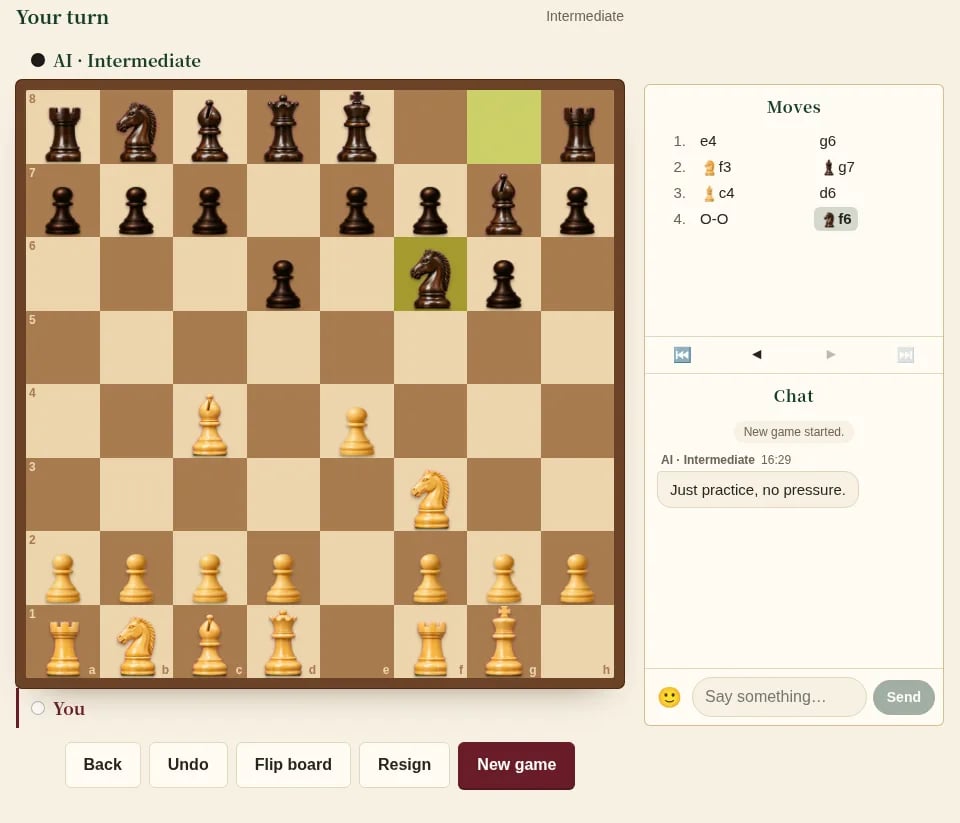
When you play the computer, the move list and a chat panel sit on the right. The AI says hello at the start, and during the game it mostly speaks up when it gives check or captures a piece, about one or two lines per game. You can take back moves, flip the board or resign, and clicking any move in the move list shows the position at that point.
Play chess online with friends or quick pairing
- Quick pairing: three time controls, 1+0 (1 minute each), 3+2 (3 minutes, plus 2 seconds per move) and 10+5.
- Private rooms: two more time controls, 5+3 and 15+10. Press “Invite a friend” and send the link to start.
No sign-up needed, just a nickname. Games have a chess clock, and you can offer a draw, ask for a rematch and chat. Other people can join the room to watch.
There are no ratings, though, and your games aren't saved. If you want to track your progress or find opponents at your level, Lichess or Chess.com is still the better fit for now.
Chess rules and lessons
If you've never played, that's fine. The lessons are the site's second strength:
- Chess rules: how the chess pieces move for all six piece types, castling, en passant and pawn promotion, and which situations count as a draw.
- Chess openings: 33 common openings such as the Italian Game, the Sicilian Defense and the London System, each with diagrams, the ideas behind it and common traps.
- Chess tactics, strategy and checkmates: 16 tactics, pawn structures and plans, and 10 common mating patterns.
- Chess endgames: the 14 most common endgames, with every conclusion confirmed by endgame tablebases.
- Chess puzzles: over a hundred, each one verified by an engine, plus “Puzzle of the day” on the home page.
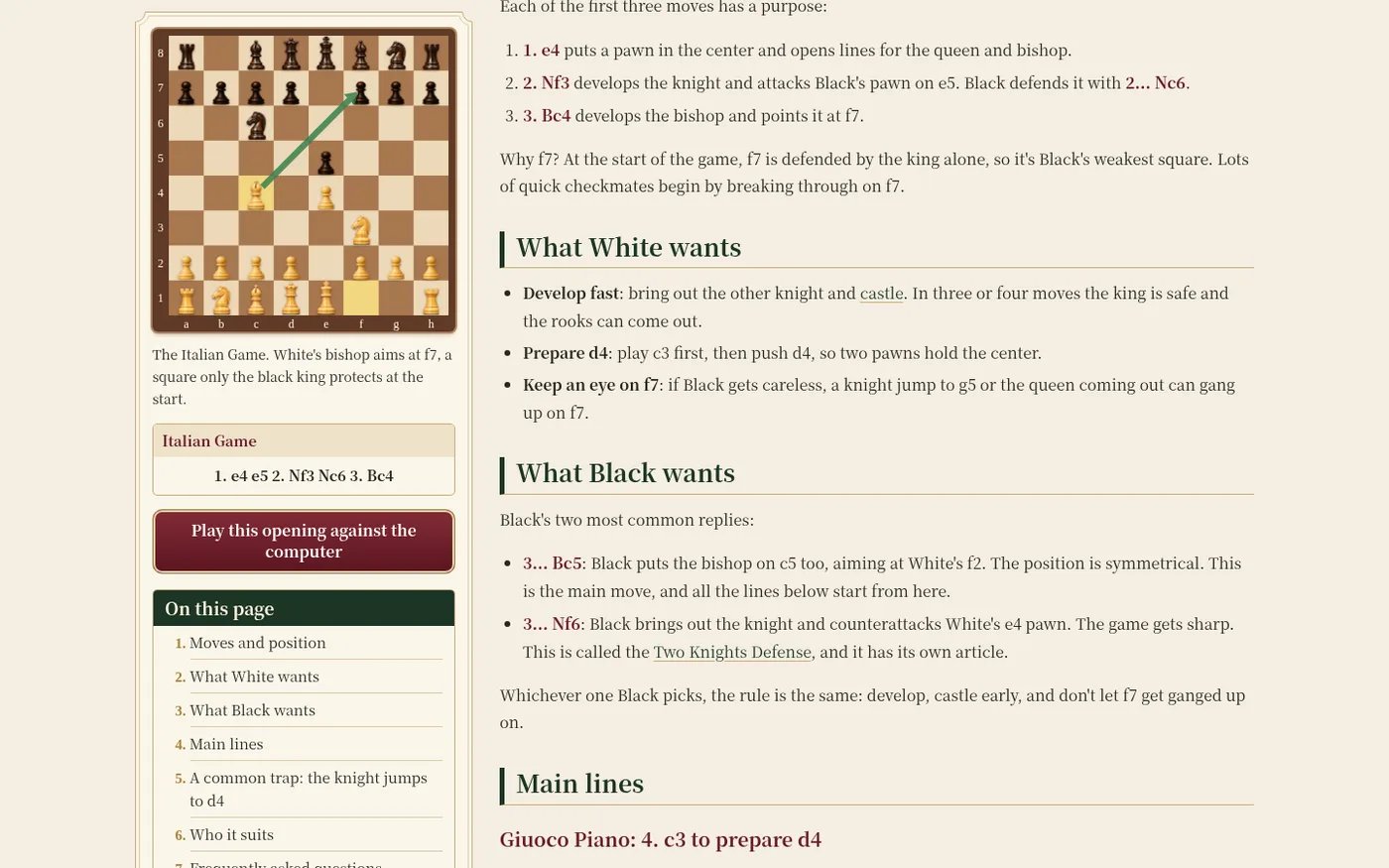
Every opening page has a “Play this opening against the computer” button. Read the explanation, press it, and you start a game against the computer from that opening's position, so you can practice what you just learned right away.
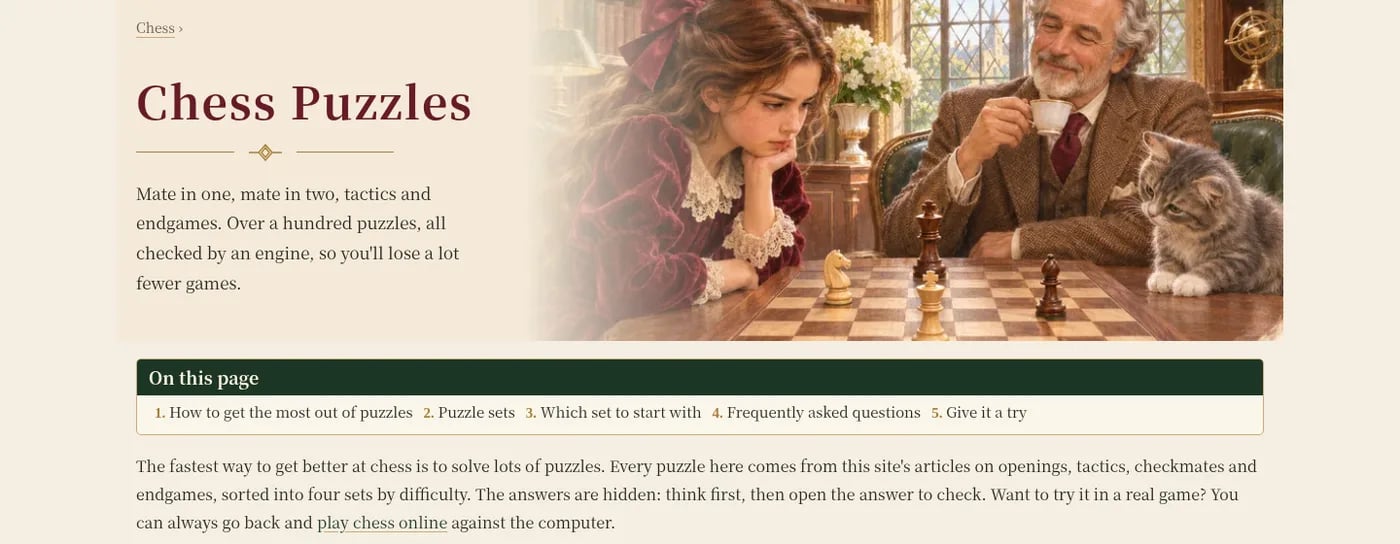
Compared with the big sites, there are far fewer puzzles. For beginners, though, a hundred-plus puzzles with an explanation of where each one comes from is enough to start from scratch.
ChessManor vs Lichess vs Chess.com
ChessManor | Lichess | Chess.com | |
|---|---|---|---|
Cost | Completely free | Free and open source | Free tier; unlimited game reviews, puzzles and lessons require a paid membership |
Sign-up | Not needed, no accounts | Account system | Account system |
Ratings and game history | No | Yes | Yes |
Post-game engine analysis | No | Computer analysis | Limited on the free tier |
Tournaments | No | Yes | Yes |
Computer opponent | Beginner to Advanced imitate humans | Yes | Yes |
Interface languages | 11 | More than 140 | Many |
In short, Lichess and Chess.com are full platforms for people who play long term and want to build up a rating. ChessManor is more like a chess table you can sit down at any time: open it, play, leave, with a set of lessons for beginners on the side.
Downsides
- No ratings or game history: skipping sign-up is convenient, but you can't track your progress, and your settings don't follow you to another device.
- No post-game analysis: you can replay the moves, but there's no engine analysis of each move, and you can't export games yet.
- No tournaments or chess variants: only single games of standard chess.
- The AI misses things like a person: that's a deliberate design trade-off. If you want a merciless opponent, pick Master.
- The first load takes a moment: the first game against the computer needs a short wait, longer on a slow connection.
Is it free to play chess online on ChessManor?
Yes. ChessManor is completely free with no paid content, and you don't need to sign up or download an app (checked 2026-11-26).
Can I play chess against the computer? What levels are there?
Yes. There are four levels: Beginner, Intermediate, Advanced and Master. The Beginner through Advanced opponents use AI that learned from a huge number of human games, so the moves feel very human. The Master opponent uses Stockfish.
Can I play chess online with friends?
Yes. Open a private room under “Play online”, press “Invite a friend” and send the link. No sign-up is needed, and you get a chess clock, draw offers and chat.
What's the difference between ChessManor, Lichess and Chess.com?
ChessManor needs no sign-up, is completely free, and its computer opponents play like real people, which suits beginners and casual games with family and friends. Lichess and Chess.com have ratings, post-game analysis and tournaments, which suit people who want to improve over the long term.
How do I learn how to play chess from scratch?
Start with the chess rules: learn how the six types of pieces move and the special rules, then pick the Beginner computer opponent. It plays like someone who just learned the game, which makes it great for practice.
Can I play on my phone?
Yes. It works in the browser on phones, tablets and computers, and you can add it to your phone's home screen to open it like an app.
If you just want a game, open ChessManor's chess game and play. If you try it, I'd love to hear what you think on Threads or X.