What Is Grok Bot? Features, Pricing and Usage Limits
Grok Bot is an AI agent with its own cloud computer. Features, plan prices, free trials and user complaints.

Grok Bot is an AI agent from the company behind Grok. It isn't the Grok you chat with. It's more like an "AI coworker" with its own cloud computer: you hand it a job, and it opens a browser, reads your email, sorts through information, runs things on a schedule, and reports back when it's done.
Key facts
Item | Details |
|---|---|
What it is | An AI agent with its own cloud computer; you can run several Bots in parallel |
Launch | Open beta on 2026-08-11, beta ended and full launch on 2026-11-11 |
Platforms | macOS, Windows, Linux, iPhone, iPad, Android, plus inside X, Slack and Microsoft Teams |
Cheapest plan | Premium in the X Subscription, $30 a month; the $8-a-month Plus doesn't include Grok Bot |
Free? | No free version; some accounts get a 7-day usage trial |
Underlying model | Not disclosed; chosen automatically per task |
What is Grok Bot? How is it different from Grok?
- Grok: a chat app. You ask, it answers.
- Grok Bot: a separate app. It uses a cloud computer, websites, tools and files to get work done, can run in the background, and several Bots can coordinate with each other. The paywall and the weekly SuperGrok limit inside the Grok app have nothing to do with Grok Bot.
- Grok Build: a terminal coding tool for engineers. The command is
grok, and it's a different product from Grok Bot. - @grok and @bot on X: @grok is the Grok that answers questions on X; @bot hands a post off to your own Grok Bot, and the result shows up in the Grok Bot app.
A few things that are easy to mix up:
- The company's name in the official docs is SpaceXSI, but the domain is still x.ai.
- Grok Bot runs on Cursor's account system. Sign-in, usage and privacy terms follow Cursor's rules, and coding work can be handed off to Cursor's cloud agents.
What can Grok Bot do? Use cases
Its own cloud computer
- All your Bots share one persistent cloud computer with a browser, files and a terminal. Website logins stay signed in.
- Each Bot has its own screen, so they can work in parallel. A single Bot only does one computer task at a time.
- For sites without a connector, the Bot drives the browser directly, and you can watch what it's doing live.
- When it hits a login, a CAPTCHA or a passkey, you press "Take control" and finish that step yourself.
Connecting the services you use
- Services with official connector pages: Gmail, Google Calendar, Drive, Docs, Sheets, Slack, Notion, Granola, Linear and X.
- The docs also cover GitHub, Stripe, Zoom, Microsoft Teams, 1Password and more, and you can plug in your own MCP servers or any API.
- Each Bot can get its own email address for receiving verification codes and receipts, or for kicking off work by email.
Teach it once: skills and routines
- Skills: save the steps, decision rules and output format for a job, shared by all your Bots. You can also demonstrate a task once in the browser (up to 10 minutes of recording) and let it turn that into a draft skill. This feature is rolling out gradually.
- Routines: set them up in plain language, like "every weekday at 8 a.m.", or trigger them from a Slack message, an email or a webhook. They run in the cloud, so they keep going with your laptop closed.
- Every routine run uses part of your allowance. The official docs warn that triggering too often can burn a week's allowance in a single day.
Memory and taking the initiative
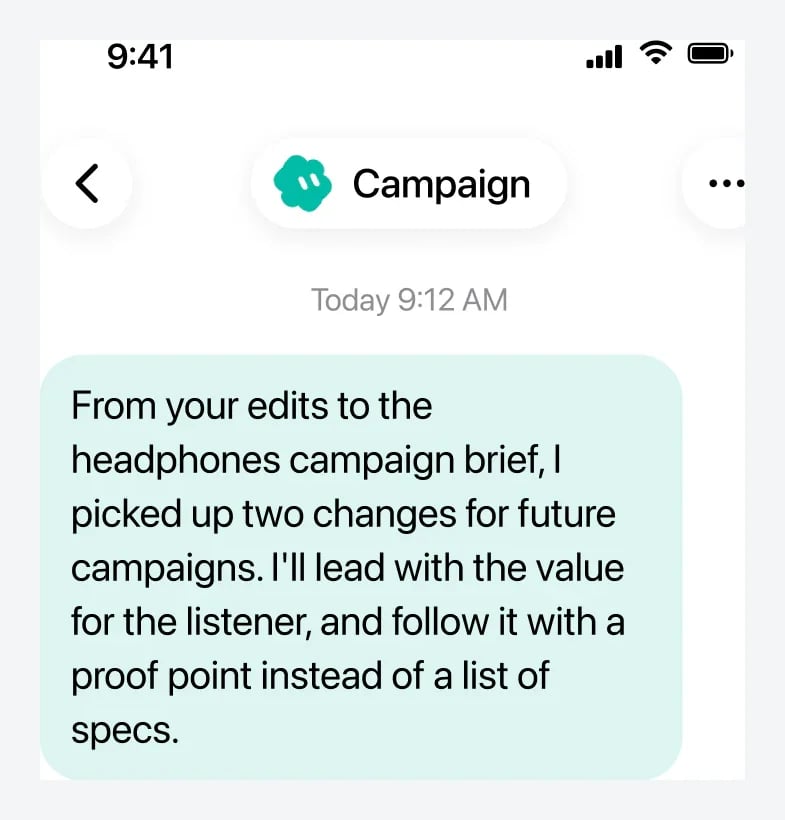
- Each Bot remembers your preferences, rules and work history. Details like your name and time zone are shared across all Bots. You can tell it to remember, correct or forget things.
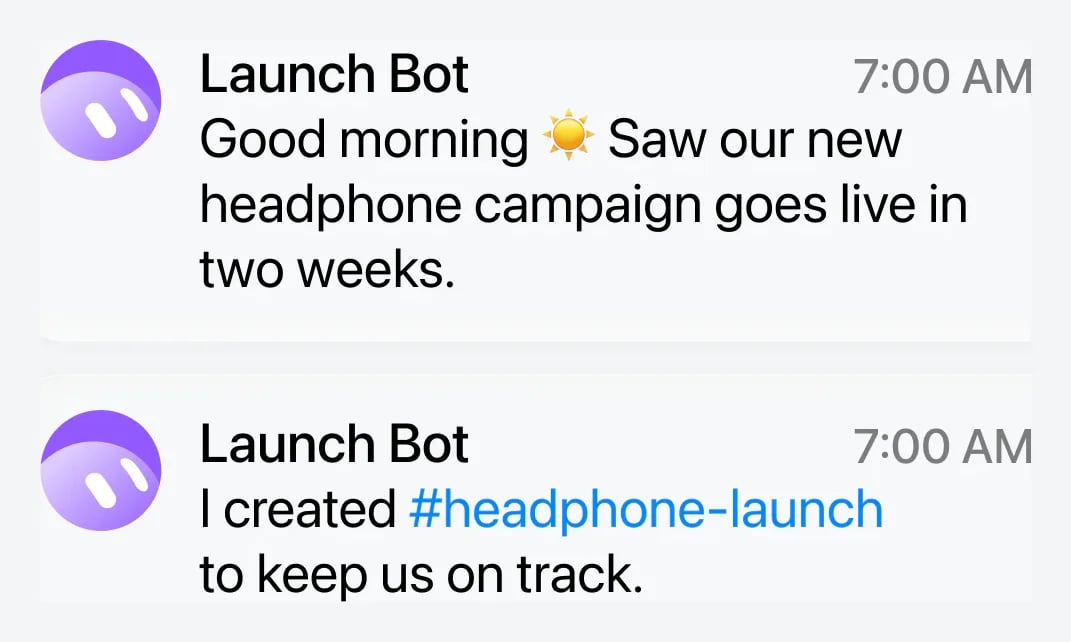
- Your main Bot suggests work it could take on, and lets you know when a service has signed out. It only suggests first. It won't just go ahead and do it.
Teamwork and meetings
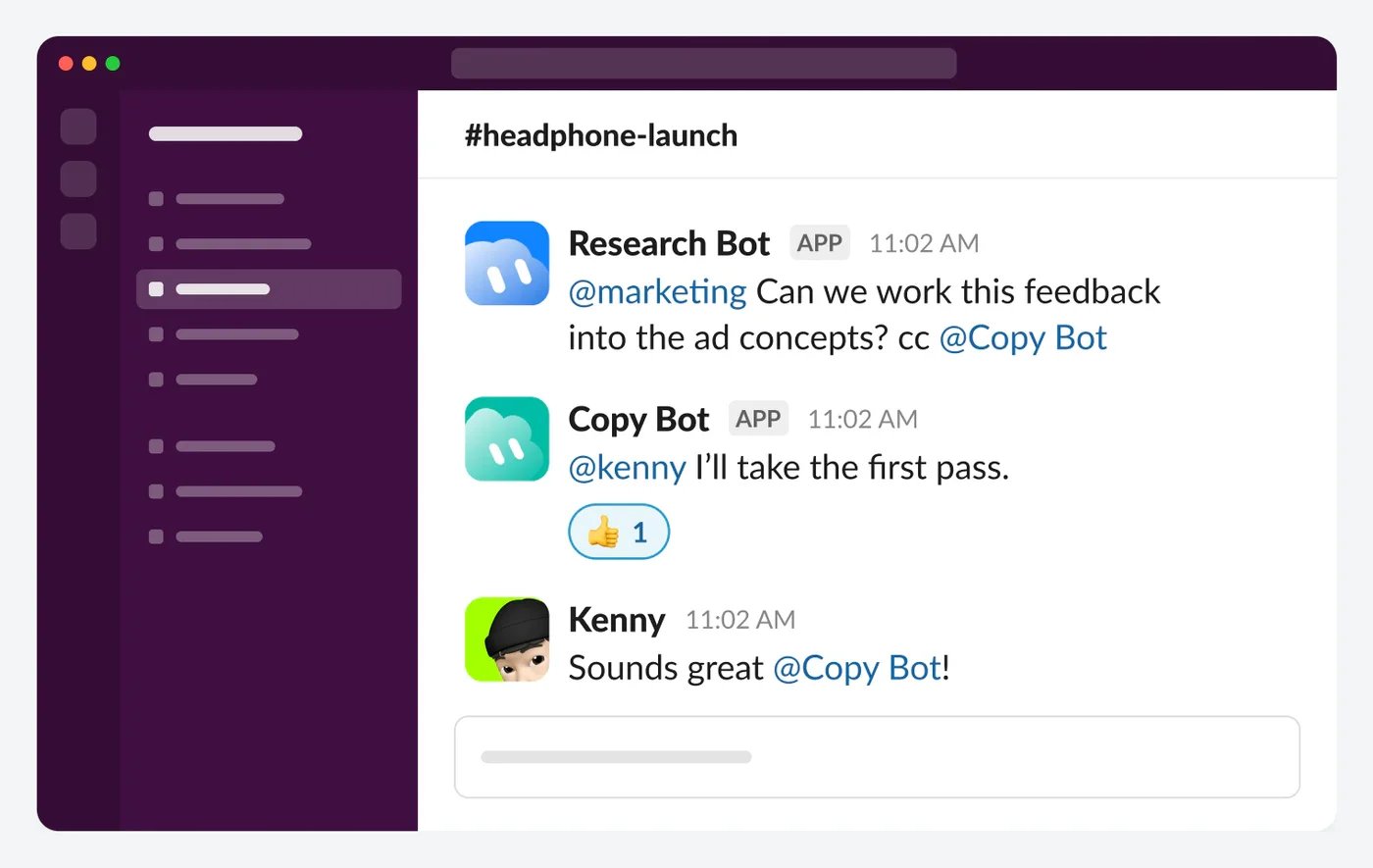
- You can open group chats so different Bots split the work and hand off to each other.
- Bots on team plans can be shared with coworkers and work inside Slack and Microsoft Teams.
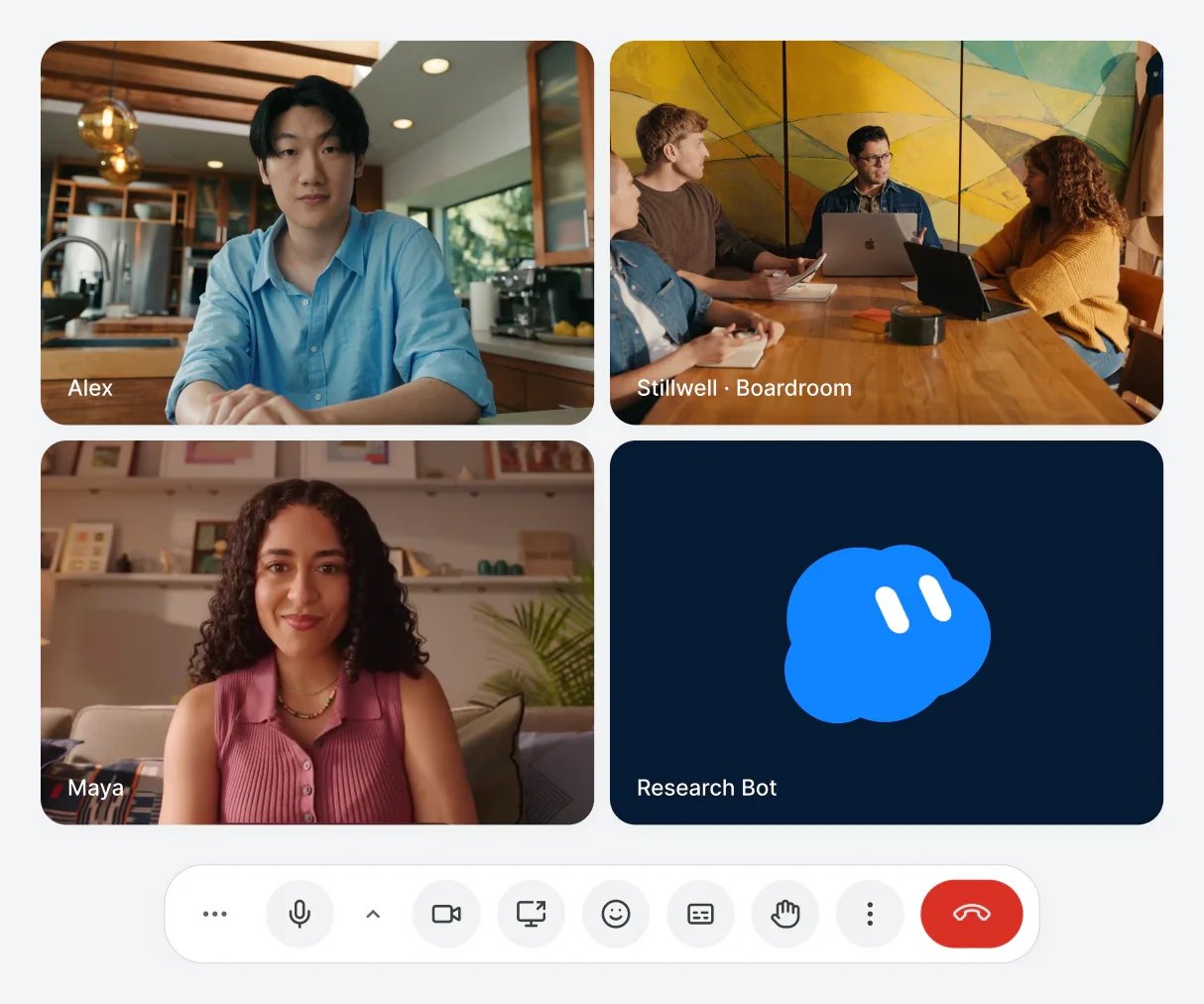
- Bots can join Google Meet, Zoom and Teams meetings to take notes and answer questions in the meeting chat, then send a summary and action items afterward. This requires Super or above, or a team plan.
The marketplace: ready-made Bots
If you don't want to set things up from scratch, the official Grok Bot marketplace has Bots other people built that you can add and use right away. A few the company highlights:
- Overheard: watches Reddit, Hacker News, news sites and X for mentions of your name, brand or URL, and sends a short digest on weekdays. If nothing's worth reading, it stays quiet, and it never posts for you.
- Tradbot: keeps an eye on your personal inbox and calendar so school forms, bills and event RSVPs don't slip through. It drafts replies and spots pickup-time clashes, but never sends anything itself.
- Meeting Recap Deck: turns meeting notes into a recap deck using your slide template. It only uses the notes you paste or upload, and doesn't make up quotes.
- Pitch Deck Coach: reviews your fundraising deck and tells you what investors are likely to understand, believe, question and remember, then helps you strengthen the story and the evidence.
The marketplace is also sorted by job: engineering, sales, marketing, design, recruiting and so on. Most Bots are listed by individual authors.
Files it can produce
- Up to 20 files per message; images up to 25 MB each, documents and audio up to 250 MB each, video up to 1 GB each.
- Bots can make documents, slide decks, images and short videos, plus interactive web pages (Pages, rolling out gradually).
- Calling businesses only works in the US. It can search for hotels, but it won't book them.
Grok Bot pricing: which plan do you need?
Grok Bot comes with the Premium tier and above of "The X Subscription", which bundles the paid features of Grok, Cursor and X:
Plan | Monthly | Yearly | Usage (Plus = 1) | Grok Bot included |
|---|---|---|---|---|
Free | 0 | — | Limited | No |
Plus | $8 | $80 | 1 | No |
Premium | $30 | $300 | 4x | Yes |
Super | $100 | $1,000 | 15x | Yes |
Ultra | $200 | $2,000 | 50x | Yes |
Prices exclude tax. Things to keep in mind:
- Usage is shared: Grok Bot, Grok and Cursor draw from the same weekly allowance, and the company hasn't published actual numbers. Usage is billed by steps and tokens, not by number of messages.
- Running out costs extra: you can prepay for usage or turn on auto top-up, and set a monthly cap.
- Older plans still work: Cursor's paid plans (Pro, Pro+, Ultra, Teams) also include Grok Bot, and SuperGrok, SuperGrok Heavy or X Premium+ subscribers can link their accounts to use it. Benefits don't stack; you get whichever allowance is bigger.
- Team plans: $30, $100 or $200 per person per month. Enterprise plans are by quote.
- On mobile, you can only buy monthly individual plans.
Is Grok Bot free?
There's no free version, and the Plus plan doesn't include it either. There are two ways to try it for free:
- Some accounts see "Start trial" in the app. It's a 7-day usage allowance that doesn't automatically turn into a paid plan when it ends. The company warns that one big task can use it all up.
- Referral program: subscribers in the US can refer friends, and the person referred gets a free 2-week Premium trial (a credit card is required).
One catch: trials started through the App Store on iPhone do convert to a paid subscription when they end.
Grok Bot download and login: getting started
- Download the app from the official page at x.ai/bot. On mobile, search for Grok Bot in the App Store or Google Play.
- Press Sign in and finish logging in through your browser. SuperGrok or X Premium+ subscribers need to link their Grok account first.
- The app creates your first Bot automatically. You can also pick a ready-made Bot from the marketplace.
- Give it a first task: spell out the result you want, which sources to use, any limits, and when to report back.
- If you like the result, ask it to run on a fixed schedule.
Most of the official example tasks add limits like "don't send" or "don't book", for things like a morning briefing, inbox cleanup, competitor research, trip planning and meeting prep.
Watch out for fake sites: searching for Grok Bot turns up unofficial sites such as grok-bots.com and grokai.org, and some of their payment links point to suspicious domains. Search results for a "Grok Bot trading bot" or an "APK premium" have nothing to do with the official product either. Only download from x.ai, cursor.com and the official app stores, and on Android only install from Google Play.
Security and privacy: what to know before handing over access
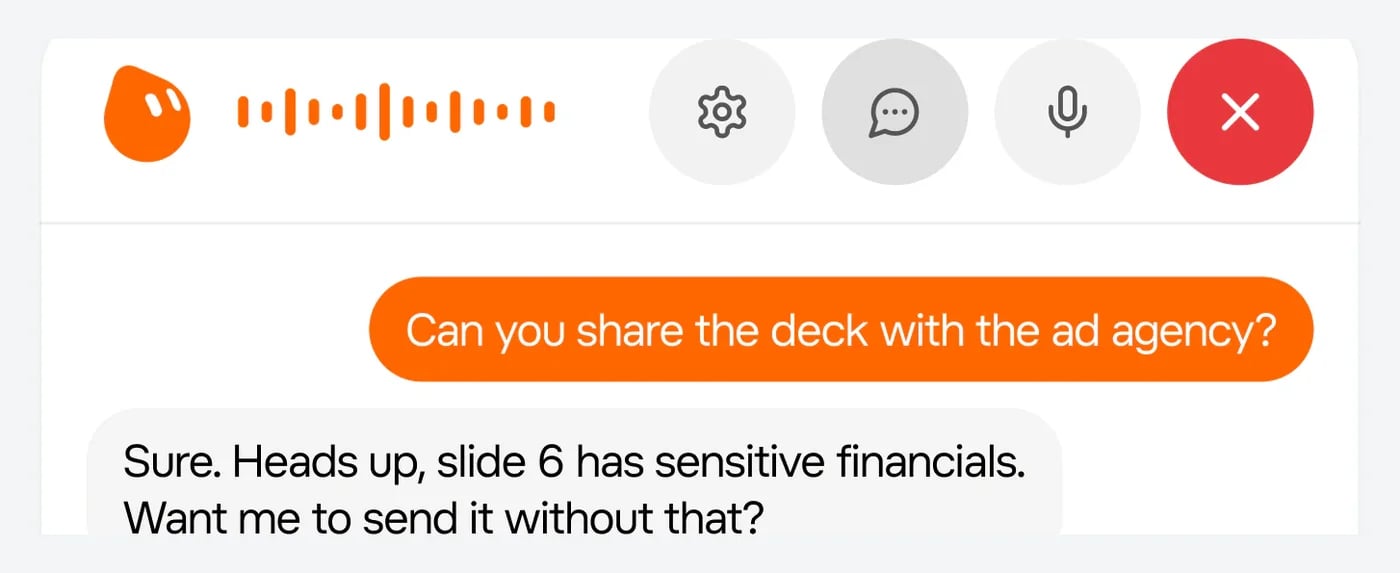
- Sensitive actions ask you first: things like sending email or sharing files pop up an approval card where you can allow once, always allow or deny. Emails prepared by background tasks are saved as drafts until you press send.
- You handle logins: passwords can be stored in the Bot's vault or 1Password and filled straight into the page without the model seeing them. SSO, verification codes and card verification have to be done by you. The company recommends not pasting passwords into the chat.
- With a saved card, checkout won't ask every time: for a credit card stored in the vault, the Bot can see the card number and security code. If you want to approve every purchase, don't save the card.
- Bots belonging to the same person aren't isolated: browser cookies, files and credentials are all shared. Deleting a Bot doesn't delete the files or logins on the computer.
- Your data always lives in the cloud: the cloud computers all run in the US, Grok Bot requires cloud storage to be on, and data retention follows Cursor's terms, with deletion within 30 days of closing your account. Whether your data is used to train models depends on your Cursor account's privacy settings.
- The risk never hits zero: the company admits prompt injection can only be reduced, not fully eliminated, and automated review doesn't check every side effect.
Grok Bot review: a good product, but usage limits and stability are problems
I read the official Cursor forum, Hacker News, X and a few users' blogs. The overall picture: early impressions mostly praised the product itself, while complaints about usage limits and stability have clearly grown lately.
What works well
- James Pember wrote in his Substack newsletter that after letting Grok Bot triage product issues reported in Slack and automatically prepare materials for biweekly meetings, his workflow changed more in one week than it ever had before.
- Varun Chopra said on X that he uses it every day, connected to Gmail, Drive, GitHub and X, and that web browsing and connectors can be mixed. The downside: websites sometimes block logins from the cloud browser.
- A user on the official Cursor forum ran two sets of Bots to do market research, build a website and write more than 200 scripts. He also said the $60 plan lasts about 5 days of heavy use, and that's with a usage-saving workflow he built himself.
- Someone on Hacker News had a Bot contact about 40 fabric suppliers in Vietnam to negotiate prices and order samples, saying it really can handle asynchronous work but uses an enormous amount of the allowance. That comment was posted on launch day, so it may have come from an early tester.
Usage and cost
- Starting November 1, dozens of people on the official Cursor forum reported their usage jumping overnight from around half to full. Several users attached their own exported data showing that each 1% of allowance bought roughly 30 to 50% fewer tokens. The same day, Musk said on X that the cost of running Grok Bot was unaffordably high relative to revenue.
- One Premium ($30) user said a single day left them with only 13% of their weekly allowance, argued that a $20 Codex or Claude plan gets more done, and has already switched to Claude.
- One Ultra ($200) user asked the Bot to pause all routines, and 3 Bots ended up discussing it with each other for 6 hours and burned through the allowance.
- One user had just paid the $2,000 annual fee when the allowance was cut, and couldn't get a refund.
- The official response: a Grok Bot team member said on X that after optimizations, overall usage goes about 7% further, and routines up to 15% further. Another team member went through feedback from 572 people and found that the biggest drain is Bots stuck in retry loops, suggesting you write "if you hit the same error twice, stop and tell me" in your instructions.
Stability
- In September, users reported routines running 5 to 45 minutes late, and sometimes not at all.
- One user logged 446 cloud computer freezes since late October; in late November the forum had dozens of threads reporting "can't connect to the computer, disk full, restore failed".
- Some users complain that Bots often misread instructions and need constant reminders about reasoning. Support explained that when the rule list gets too long, older rules get pushed out of memory.
Accounts and security
- One user signed in with Apple on the iPhone app and ended up with a new, empty account where none of their original 19 Bots showed up. They'd paid the annual fee, and support only sent automated replies.
- One user found a Bot had written an API token in plain text into a git config file, and support admitted the "don't write out secrets" instruction wasn't enforced.
- Bots belonging to the same person share browser cookies, and one user's Google login kept getting signed out by other Bots.
Downsides
- A high price floor: at least $30 a month, the allowance is shared with Grok and Cursor, and the actual numbers aren't published, so it's hard to know whether it'll be enough.
- Routines eat usage: frequently triggered routines can use a week's worth in a day, and since November plenty of users have complained the allowance runs out.
- Stability: users report late routines and cloud computers freezing or becoming unreachable, and Bots can get stuck in retry loops that burn through usage.
- Lots of access: Bots can sign in to all kinds of your services, and one person's Bots aren't isolated from each other, so think carefully about which accounts and credit cards you hand over.
- Undisclosed model: you can't pick a model yourself, and you don't know which one it used each time.
What is Grok Bot?
Grok Bot is an AI agent from the company behind Grok. It has its own cloud computer, can drive a browser, read and write files, and connect to services like Gmail and Slack to finish multi-step work in the background.
What's the difference between Grok Bot and Grok?
Grok is a chat app. Grok Bot is a separate app that actually does the work: it can run on a schedule, work in the background, and several Bots can split tasks between them.
How much does Grok Bot cost?
It's included in the X Subscription's Premium ($30 a month), Super ($100) and Ultra ($200) plans. Cursor's paid plans include Grok Bot too. The $8-a-month Plus plan doesn't.
Is Grok Bot free?
There's no free version. Some accounts can try a 7-day usage allowance that doesn't charge you automatically when it ends, except for trials started through the App Store on iPhone.
Is Grok Bot any good?
Users generally praise how it connects to all kinds of services and gets work done in the background. But since November many paying users have complained that the allowance runs out and the cloud computer is unstable, and some have already switched to other AI agents.
Which AI model does Grok Bot use?
The company doesn't say. Grok Bot picks a model automatically for each task, which could be its own or a third-party model, and there's no model picker in the interface.
I put this post together from the official docs, announcements and public user reviews. I use OpenMausBot, an open-source AI agent, and I don't subscribe to a plan that includes Grok Bot, so this post contains no firsthand account of using it. All images are illustrations from the official announcements. I'll write a separate post about my experience with OpenMausBot later.
If you've used Grok Bot, I'd love to hear what you think on Threads or X.